Turn on protection
Open PhoneTether on your iPhone and Watch, allow alerts, then tap one clear button.
 PhoneTether
Made for iPhone + Apple Watch
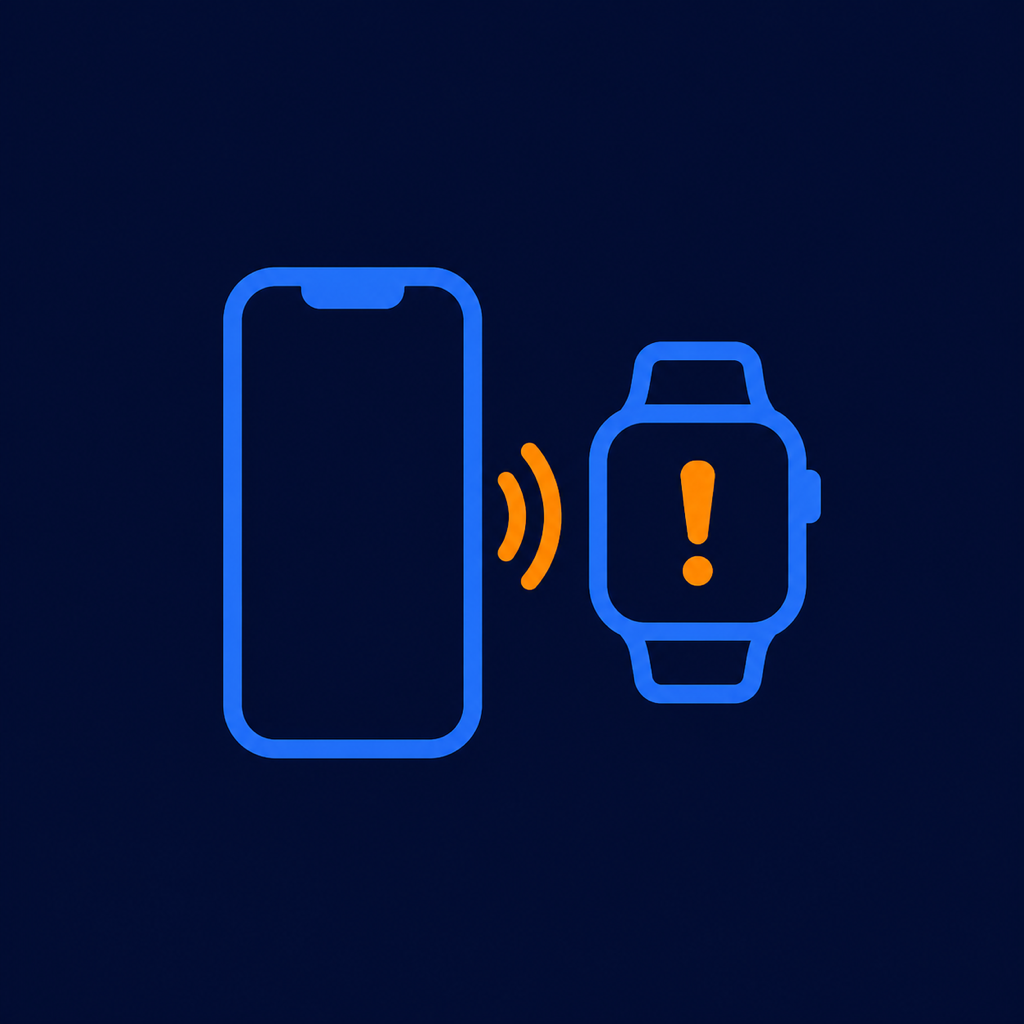
PhoneTether gives you a clear warning on your wrist when your iPhone may have been left behind—and keeps reminding you until you reconnect or acknowledge it.
Simple protection
PhoneTether is designed to be useful without asking you to understand Bluetooth settings or technical status screens.
Open PhoneTether on your iPhone and Watch, allow alerts, then tap one clear button.
If the private Bluetooth link is lost beyond your grace period, your Watch starts warning you.
Reminders become more insistent and continue until your phone reconnects or you acknowledge the alert.
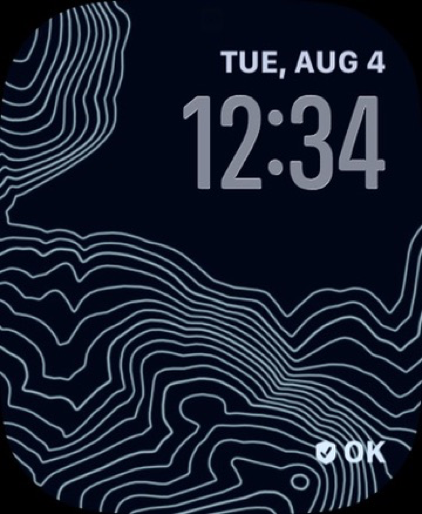
New Watch-face widget
Add the optional PhoneTether complication to the Watch face you wear. A short label shows when you are protected, reconnecting, separated, or switched off—without opening the app.
Hard to miss. Easy to stop.
One forgotten phone can mean a ruined evening, a long drive back, or a much bigger problem. PhoneTether starts gently, then escalates its Watch reminders when you remain apart.
Private by design
PhoneTether does not create an account, request your location, run advertising, or send app activity to Toyz2k servers. The iPhone and Watch communicate directly using Apple’s system services.
Read the privacy policyGood to know
No. After PhoneTether is installed, separation protection works directly between your iPhone and Apple Watch. An internet connection is not required for protection.
No. PhoneTether does not request location permission, record where you go, or calculate your exact distance from the phone.
PhoneTether requests sound and haptic alerts. Silent Mode, Focus, and watchOS notification rules can affect what you hear, so haptic alerts should also be enabled in Apple Watch settings.
No. It detects loss of the Bluetooth link, not physical distance. Walls, interference, device state, and Apple’s background behavior can change when an alert arrives.
A compatible Apple Watch paired with an iPhone, with PhoneTether installed on both. The initial release requires iOS 18 or later and watchOS 11 or later.
PhoneTether
Coming soon to the App Store for iPhone and Apple Watch.